TechieVideoEditor
A native macOS video editor in C++20 and Metal, with on-device AI and cloud AI only on your own keys.
- Designer and developer
- 2026
What it is
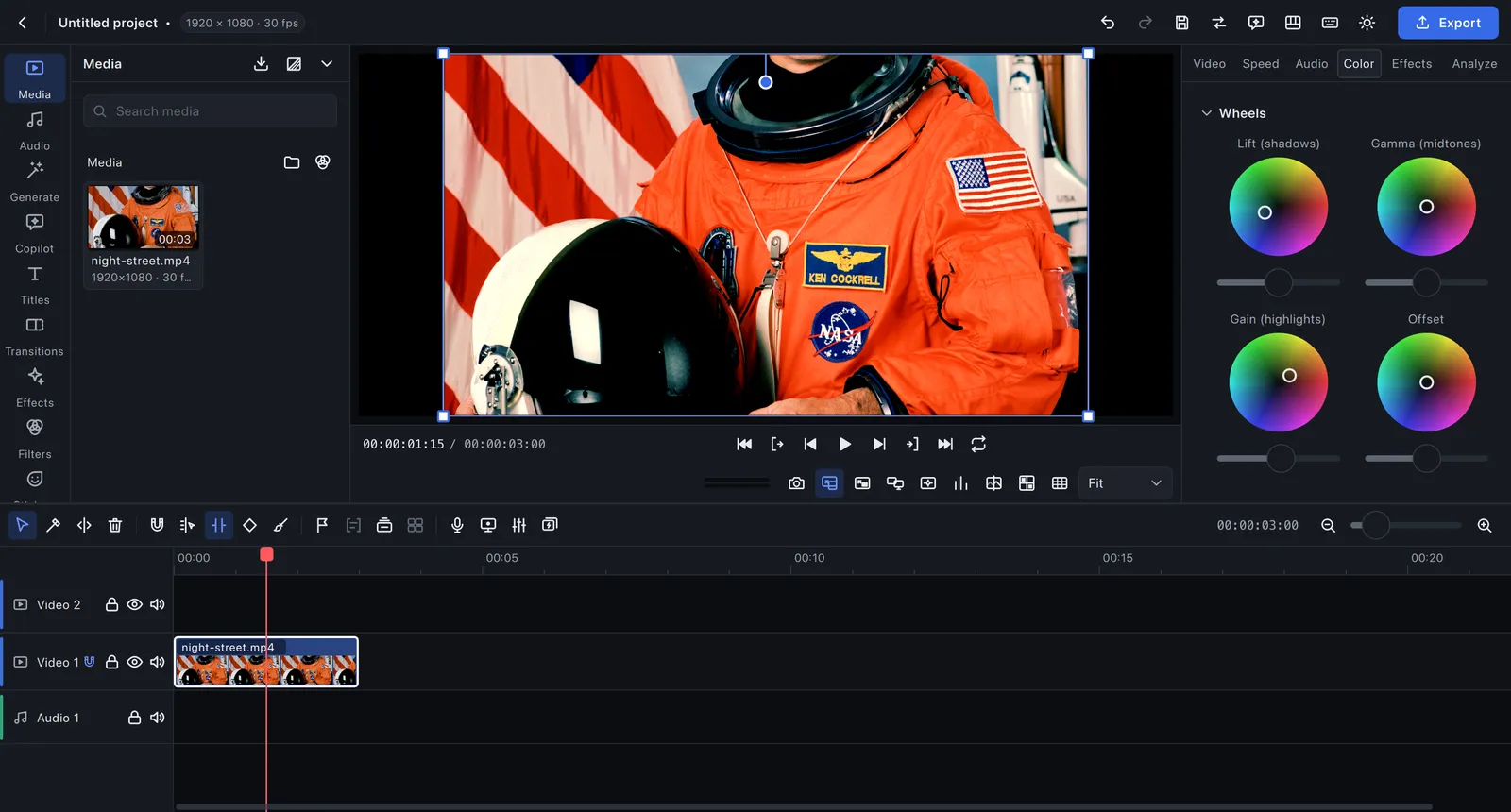
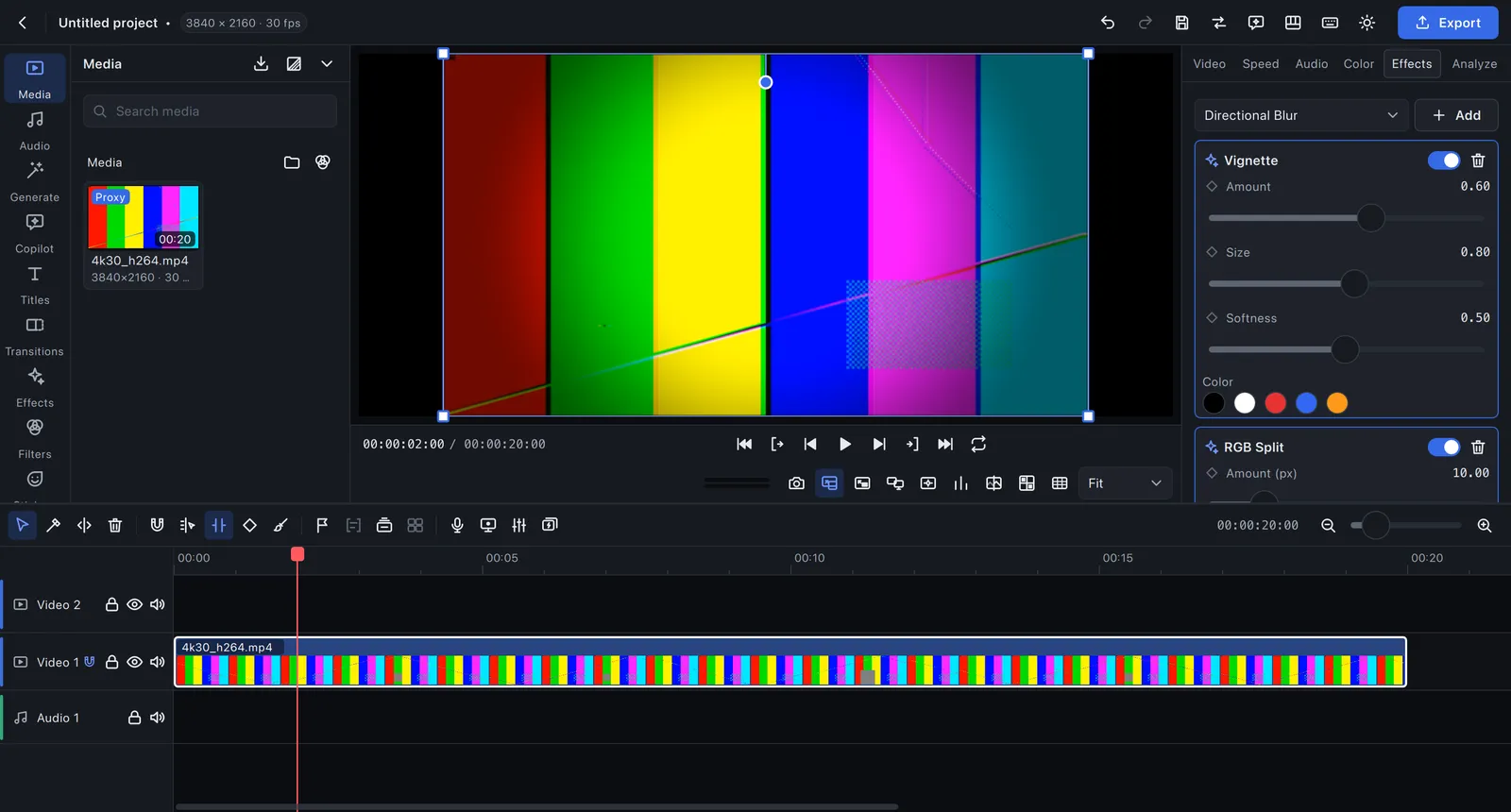
A desktop video editor written from scratch for Macs with Apple silicon: a multi-track timeline, colour grading, effects and transitions, titles, captions, screen recording, templates and export in every common format. Captions, speech clean-up, tracking and people work run on the Mac, and cloud AI starts only when you add a key of your own.
The problem
An editor has to play 4K with effects in real time and keep heavy analysis such as captions and noise reduction private, while a renderer written from scratch must prove that every effect and transition still looks right after each change.
Architecture
Requests flow left to right. Hover a component for its role.
- Qt Quick interface client, library, inspector, timeline
- Timeline model service, plain C++20, undoable edits
- FFmpeg and VideoToolbox worker, hardware decoding
- Metal compositor service, GLSL effects and transitions
- On-device analysis ai, Whisper, DeepFilterNet3, Vision
- Export worker, H.264, HEVC and AAC
- Cloud AI on your keys external, Claude, OpenAI, Google, ElevenLabs
Key decisions
Golden-frame tests for the renderer
531 fixed projects, covering every effect, transition, blend mode, mask and title, are rendered offscreen by the real renderer and compared with reference images, so a change that alters how anything looks fails the build.
Private by default
Captions (whisper.cpp), speech clean-up (DeepFilterNet3), faces, tracking and depth run on the Mac. Models download once from their makers and are SHA-256 checked; cloud features use your own keys, kept in the Keychain, and the copilot lists every change before applying it.
Performance budgets as tests
Playback of three 4K layers with effects, scrubbing, start-up, opening a 200-clip project and export speed are measured with the real engine, and a missed budget fails the suite.
Highlights
- Hardware decoding and GPU compositing on Metal play 4K at 60 fps with effects.
- 61 video effects, 60 transitions and 45 audio effects, all original, built as GLSL and manifest packages.
- Screen, camera and microphone recording with a teleprompter, and templates that cut to the beat.
- Audio Units, VST3 and OpenFX plug-ins, and eleven interface languages including Tamil.
Stack
Screens